How it works

  1. Run HFS on your computer. The administration page opens automatically.
  2. Choose the files and folders you want to share.
  3. HFS gives you a link. Open it in a browser on your phone or another computer to access your files.
  4. Optionally create accounts to limit access to your files.

See HFS in action

Watch the walkthrough

See how to share a folder and make it reachable over the Internet in this quick-start video.

Watch the video

Simple for your visitors. Full control for you. Click a screenshot to see it full size.

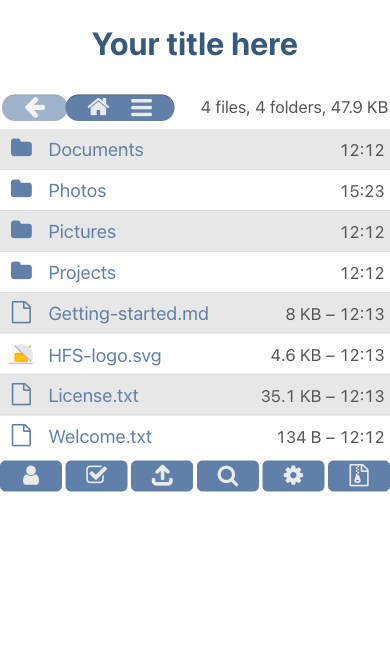
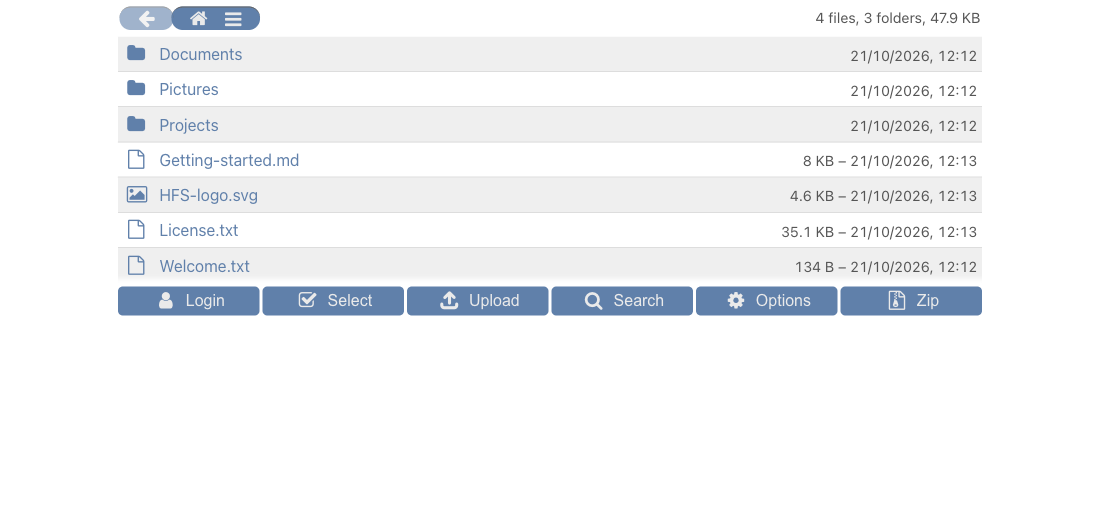
HFS file browser on desktop with sample folders, upload, search and ZIP download controls

Files, ready to share

Visitors browse folders, search, and download files or whole folders as ZIP archives.

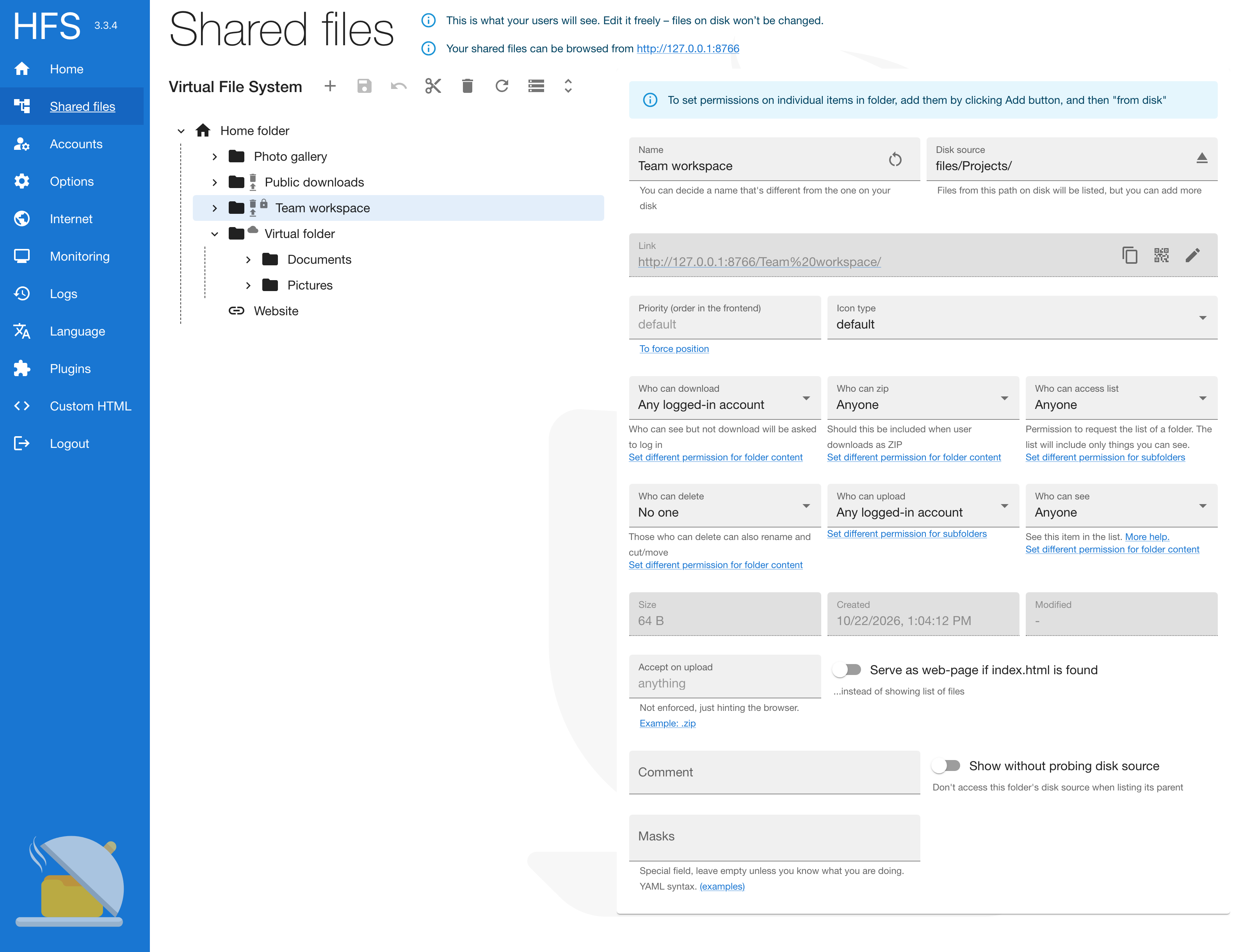
HFS admin virtual folders and all six permissions: download, ZIP, listing, delete, upload and visibility

Choose what to share

Arrange and rename shared files and folders without changing them on disk. Set who can see, download, or upload.

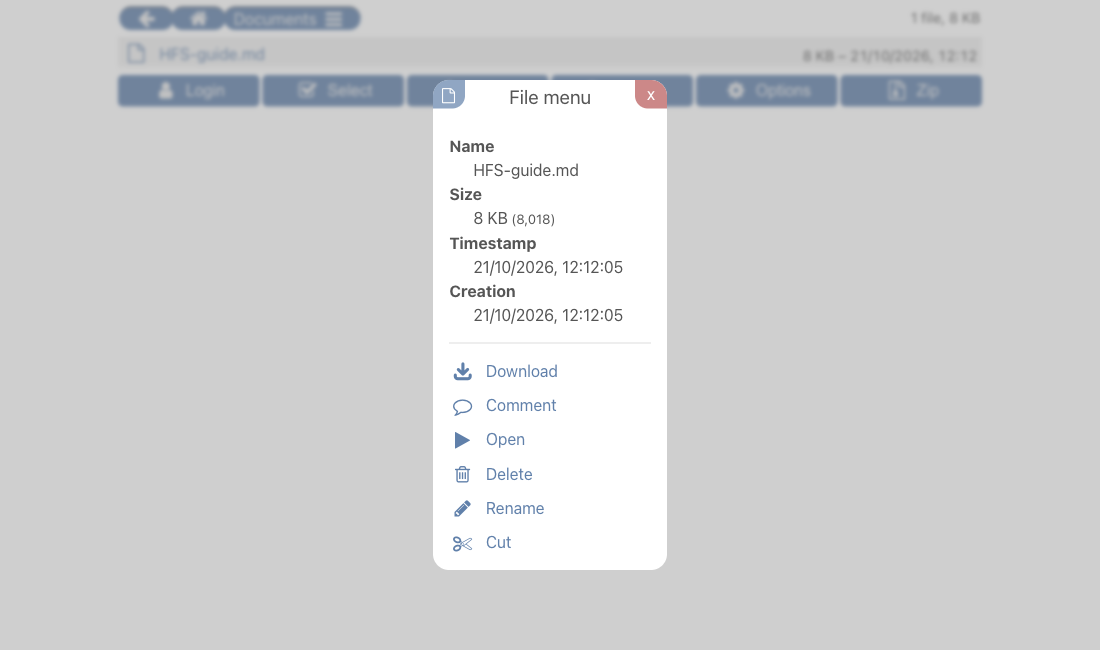
HFS file menu showing download, comment, open, delete, rename and cut actions

File details and actions

Download, open, comment, rename, move, or delete files according to your permissions.

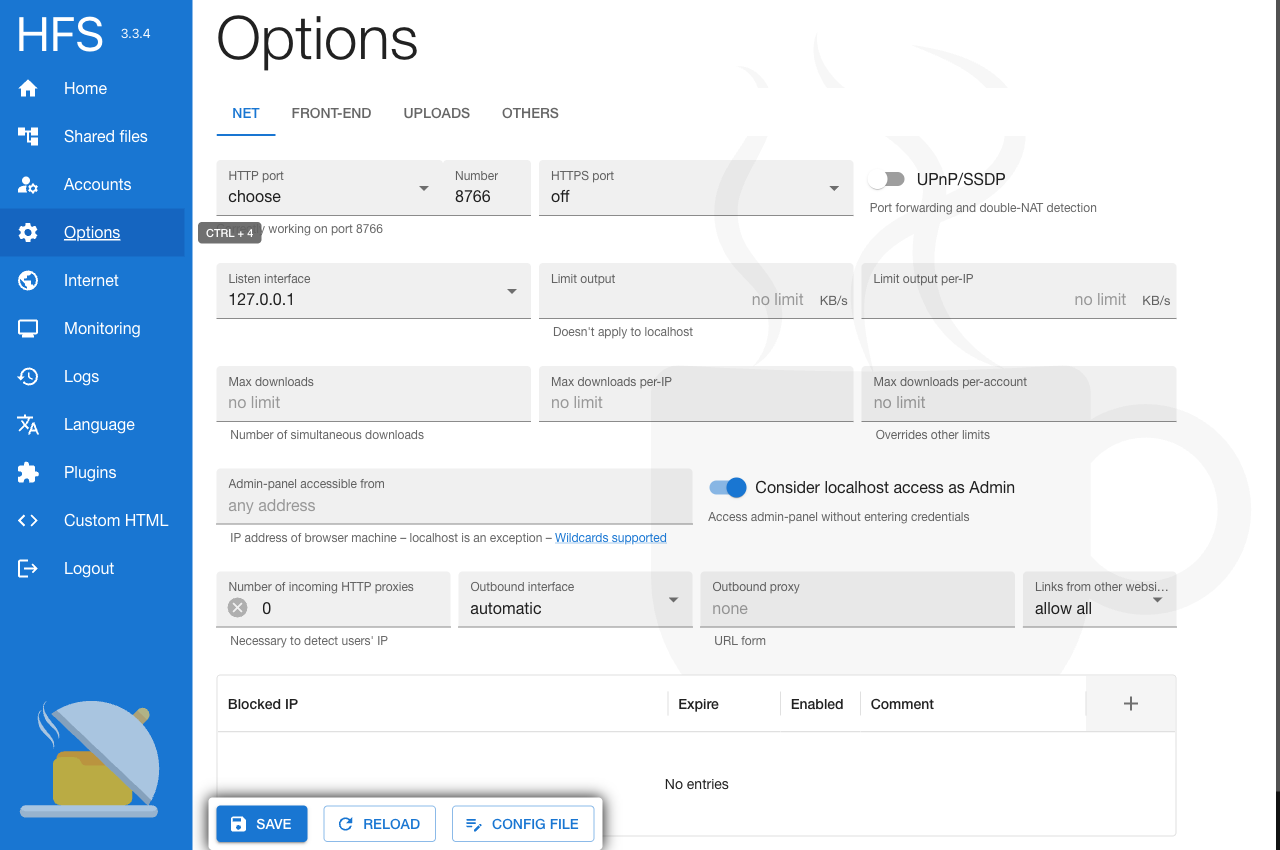
HFS admin network settings including bandwidth and simultaneous download limits

Control your server

Set bandwidth limits and connection options from the administration page.

Video not playing? Watch on YouTube

Features

Resume

Resume interrupted uploads and downloads

Manage

Delete, move, and rename files
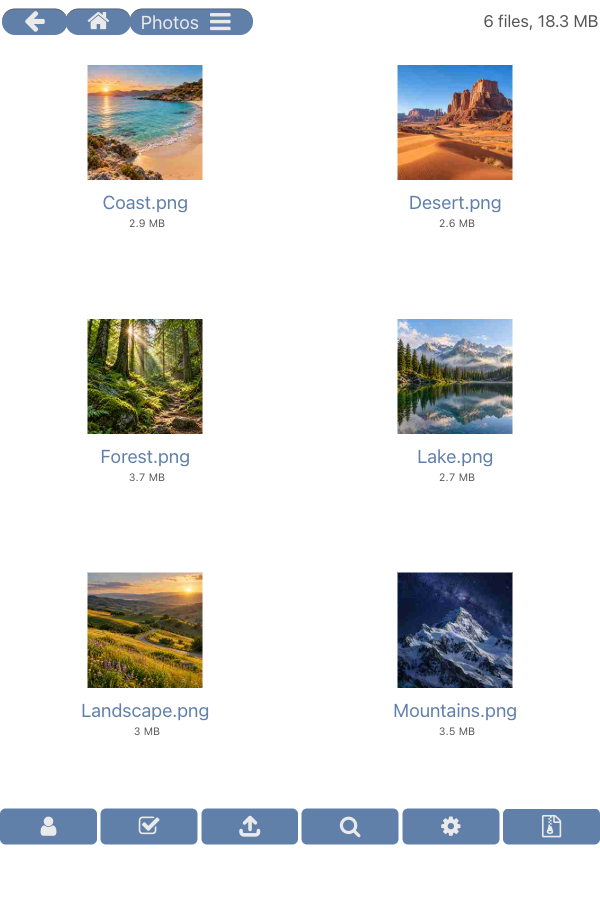
HFS showing six photo thumbnails in tiles mode
Image previews in tiles mode
With the Thumbnails plugin
Play files

Some files can be played directly in your browser

Bandwidth limits

Set global or per-IP limits

Things you will hardly find elsewhere

Access & security
  • Protect login passwords even without HTTPS, using SRP authentication.

    SRP does not encrypt file transfers or other traffic; use HTTPS for that.

  • Make accounts expire a set number of days after their first login.
  • Get a warning when your version has a known security vulnerability.
  • Automatically log users in based on their IP address or network.
  • Allow or block access by country.
  • Let users delete their own uploads for a limited time, without granting general delete permission.
  • Watch active connections and transfers, disconnect clients, and ban IP addresses.
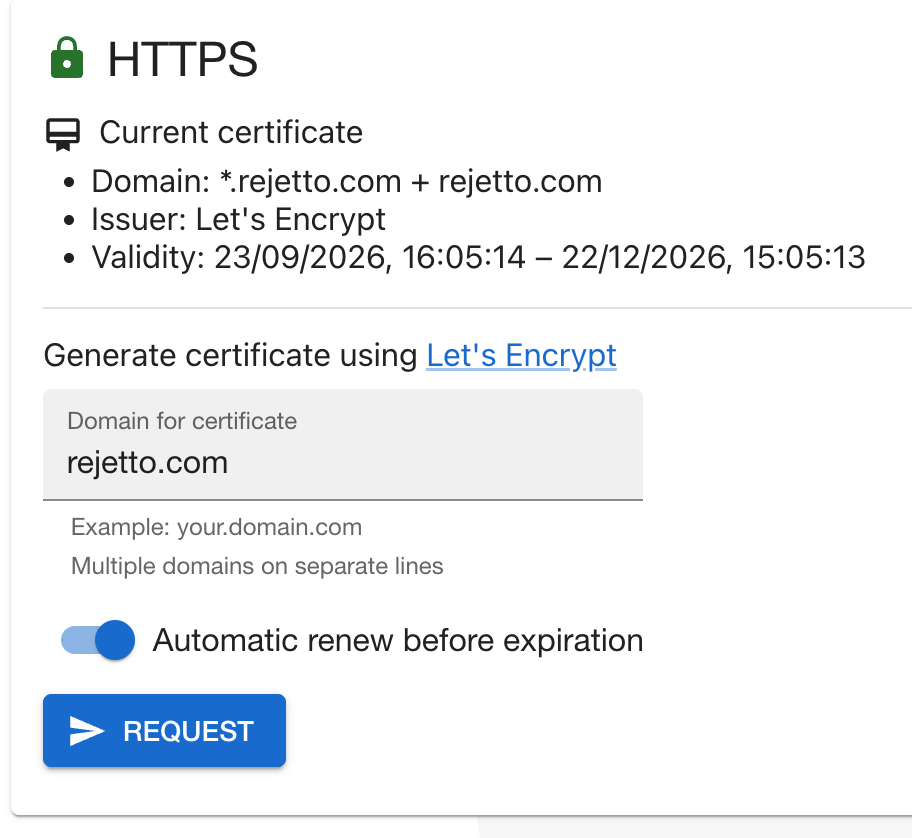
  • Generate and automatically renew HTTPS certificates.
Administration & customization
  • Easy Internet access: UPnP port forwarding, double NAT detection, and external reachability checks.
  • Customize the frontend and backend with a few lines of JavaScript, directly in the Admin panel without creating a plugin. Changes apply immediately, without restarting HFS.
  • Find, install, update, and enable plugins from the Admin panel, without restarting HFS.
  • Support for file descriptions in the descript.ion format.
  • Limit download speed globally or per IP address.

Do more with plugins

Browse more plugins on GitHub

Community

Documentation

Answers to common questions

Forum

Ask questions, share ideas

Report bugs

Double-check your setup first 😬

Old version (V2)

Versions 2.3–2.4 are dangerous and should no longer be used.

A security vulnerability was found that allows an attacker to take control of your computer.
There is currently no official fix for version 2, but version 3 is not and never has been affected by this vulnerability. I haven't fixed these security issues in HFS 2 because I'm no longer interested in working on it, but I support other projects continuing its development. Unfortunately, I don't have the time to follow them closely enough to personally vouch for their reliability, so you'll need to assess their reliability yourself.

Website

We'll keep it online for a while

Documentation

For version 2.x only

Old forum

Where it all began